The church presentation software that does the work for you.
Paste a hymn and it is slides. Type a verse and it is on the wall. Say a scripture from the pulpit and Sona puts it up. No watermark across your screen, no per-song fees, and it keeps running when the internet drops. Free to start.
You paste
Hymn
Amazing grace! How sweet the sound
That saved a wretch like me!
Prayer points
1. Our nation
2. The sick in our church
Announcement
Youth camp this Saturday at 10am
Sona makes the slides
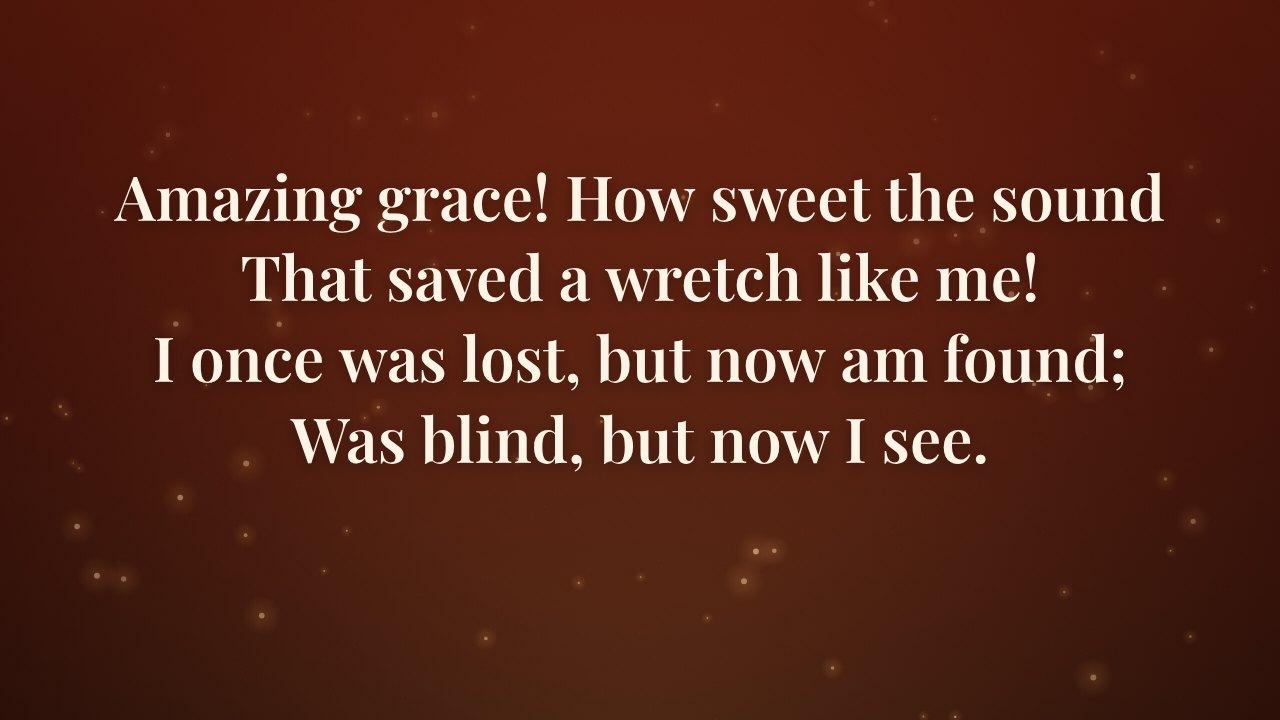
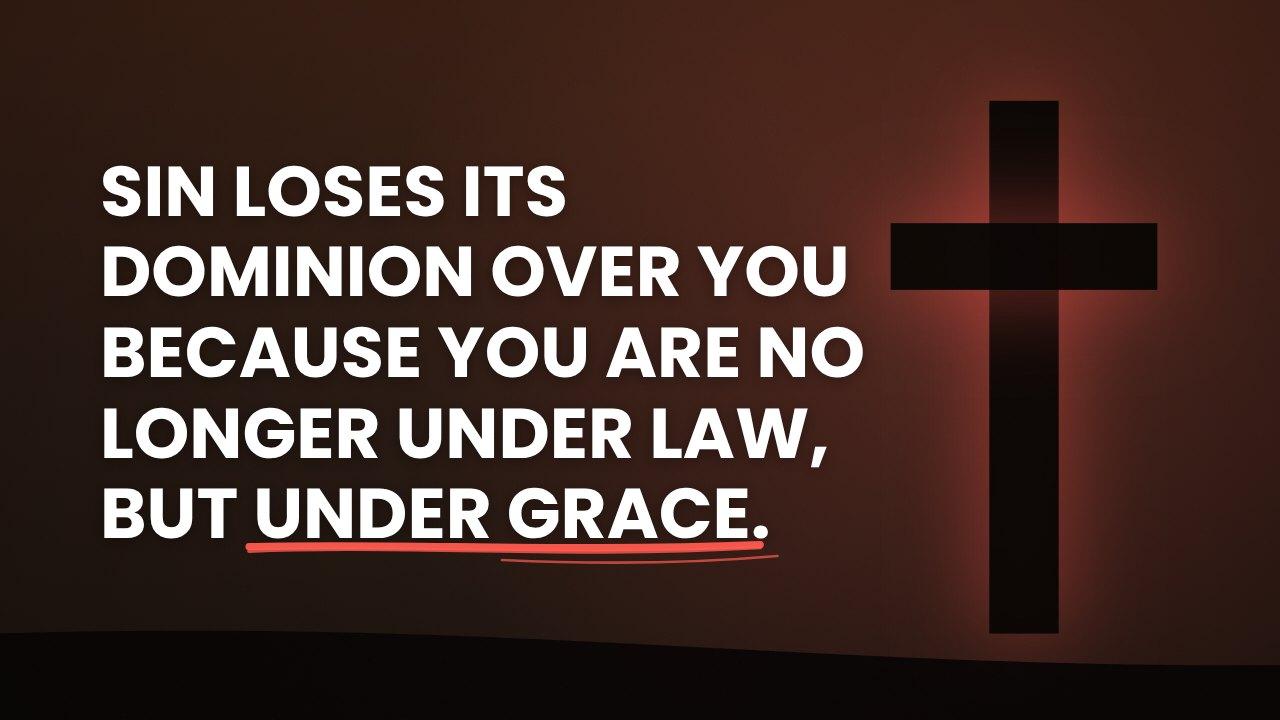
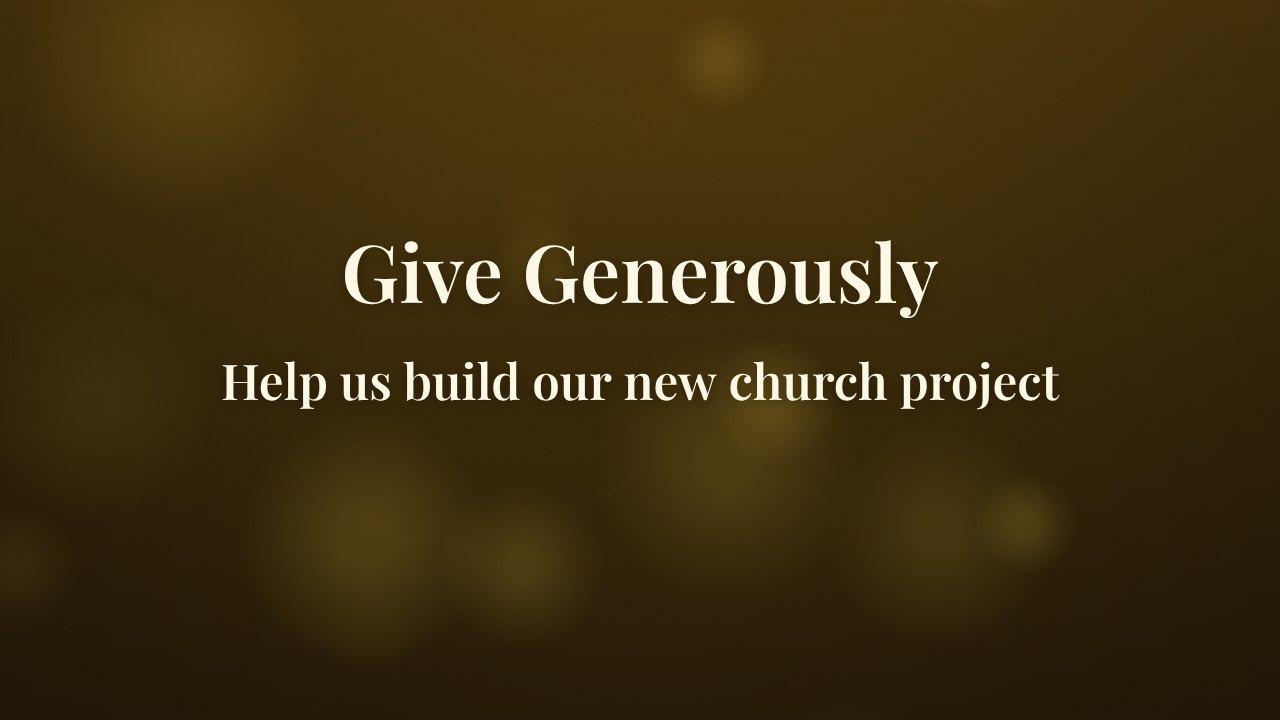
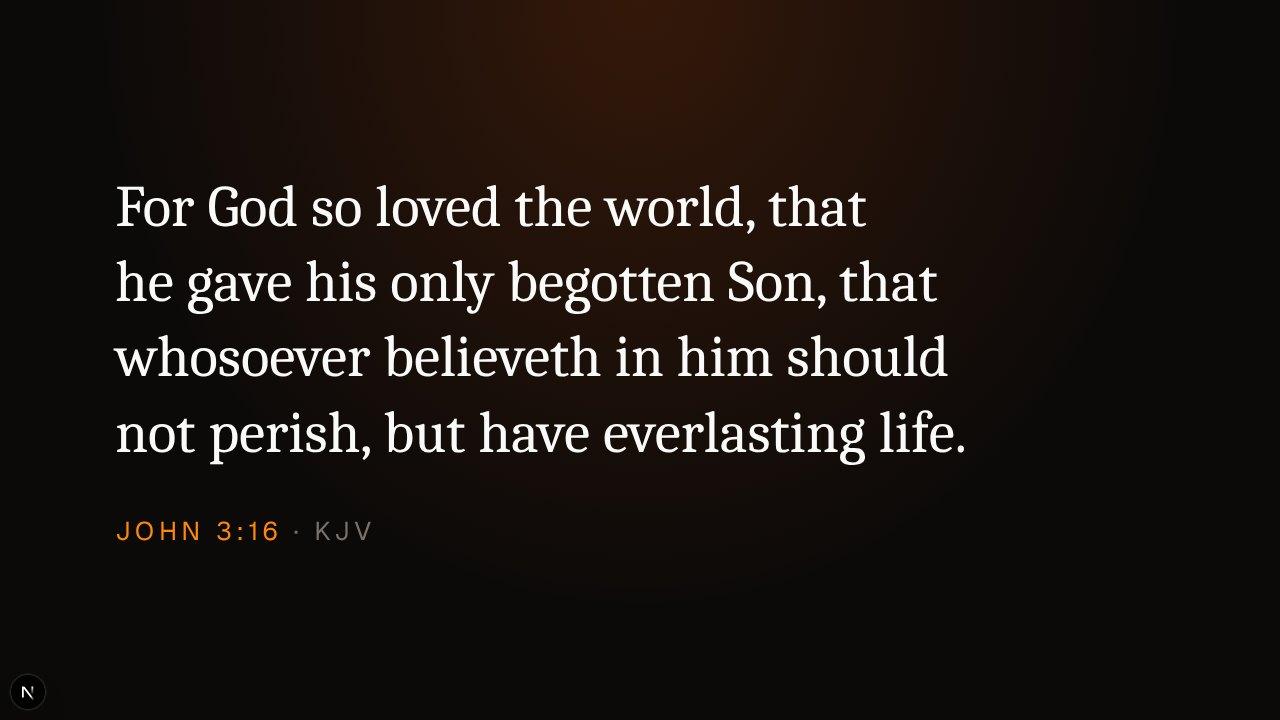
Each one split and styled for you
It shows on the TV
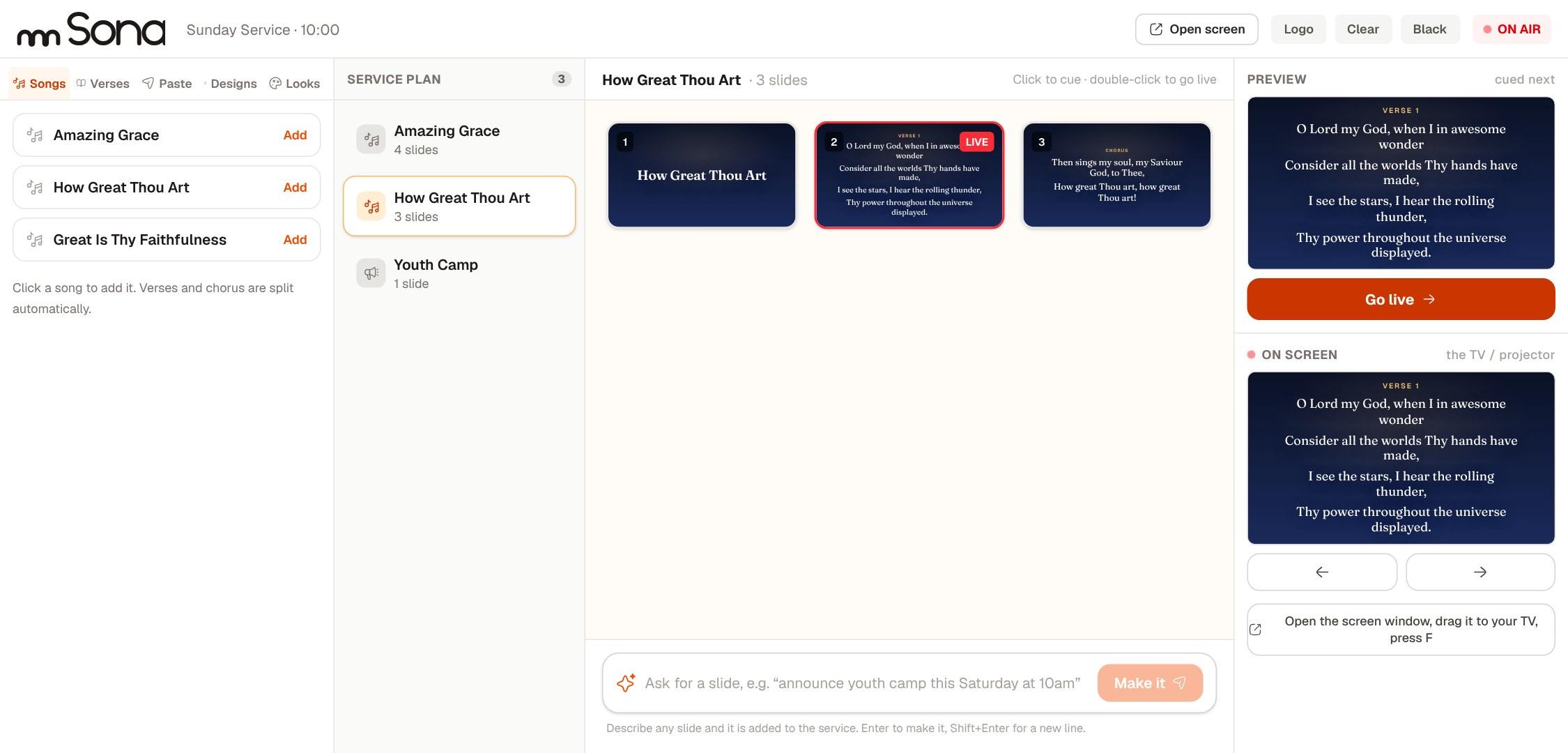
This is the console. What you cue on the left is what the TV shows on the right.
Everything your media team does on a Sunday, in one place
Tell it what you need
Type “welcome, offering and closing prayer for Sunday, youth camp on Saturday at 10am” and the slides are built. Times, names and account numbers come back exactly as you typed them.
Paste a song, get the slides
Hymns, prayer points and sermon points split into clean slides for you, and lyrics import from a file. Not one word of your text is changed.
Hears the sermon
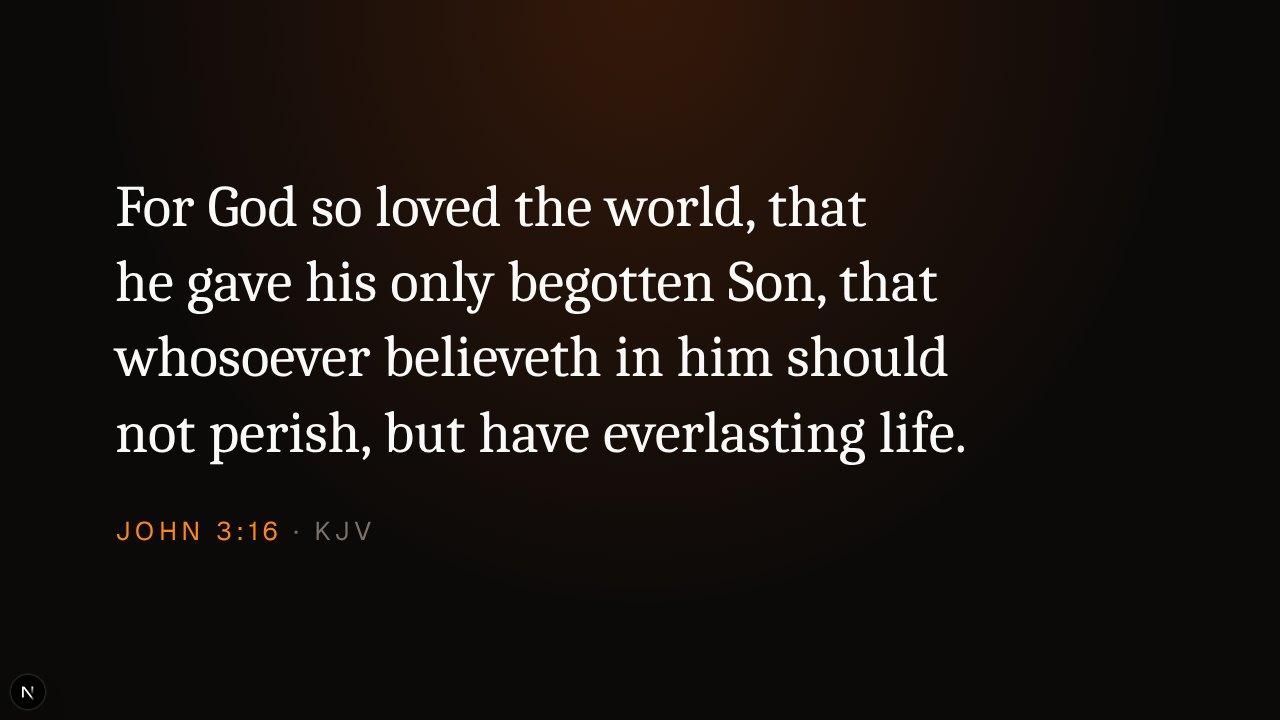
When the pastor says “turn to Romans 8”, Sona spots the verse and puts it on the screen. The King James Version, with the real text, never made up.
Built for the big screen
Open the screen window, drag it onto the TV or projector, press F. Black, Clear and Logo take the words off at once. Words wrap cleanly and shrink to fit, on a 16:9 TV, a 4:3 projector or a wide LED wall.
590 backgrounds, with motion
Crosses, doves, stained glass, sunrise hills and more, in church-season colours. Add slow drift, floating light, rising embers, stars or a sweeping beam behind the words, or upload your own graphics.
Readable from the back row
Text is checked against its background so it holds up on a big wall in a bright hall.
Keeps going offline
Open it once online and slides, songs, verses and the timer carry on when the network drops. A Sunday should not depend on the Wi-Fi.
No watermark, no surprises
The free plan is the whole console. Plus adds the cloud copy, other screens, the phone remote and more listening time.
A phone remote and a timer
Move slides from your phone, and give the preacher a speaker timer on its own screen.
Slides your congregation will actually read
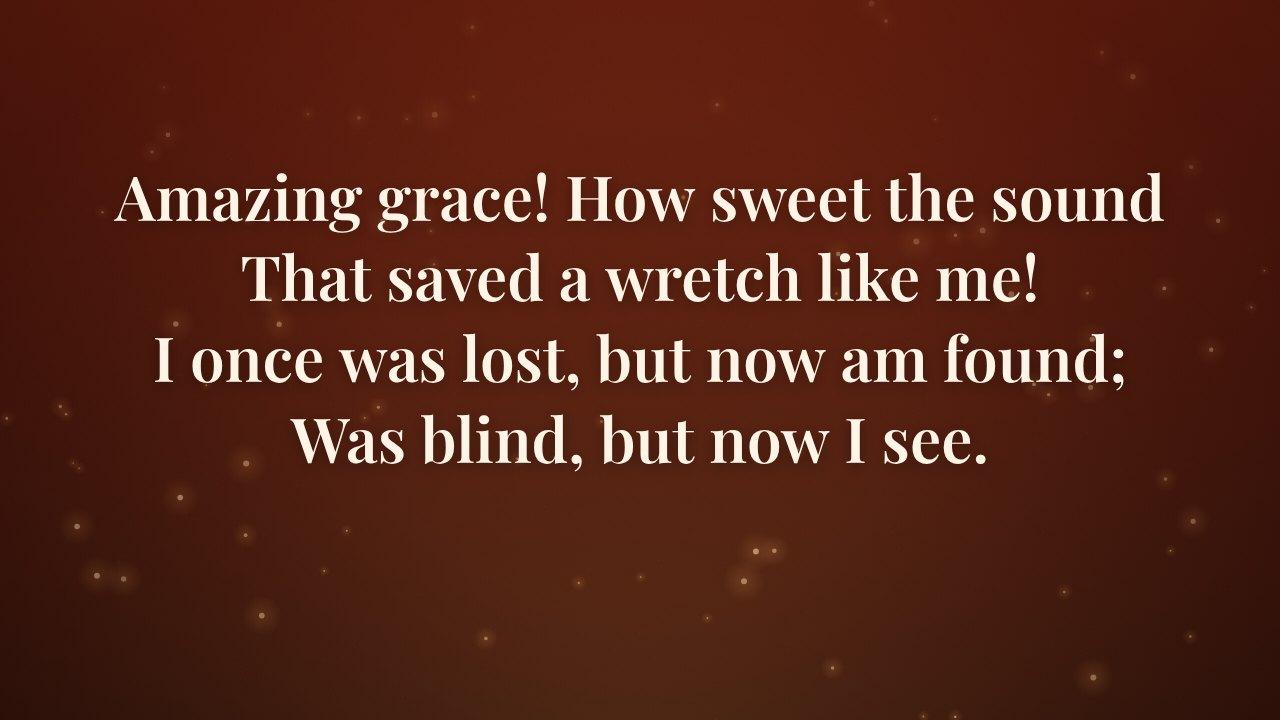
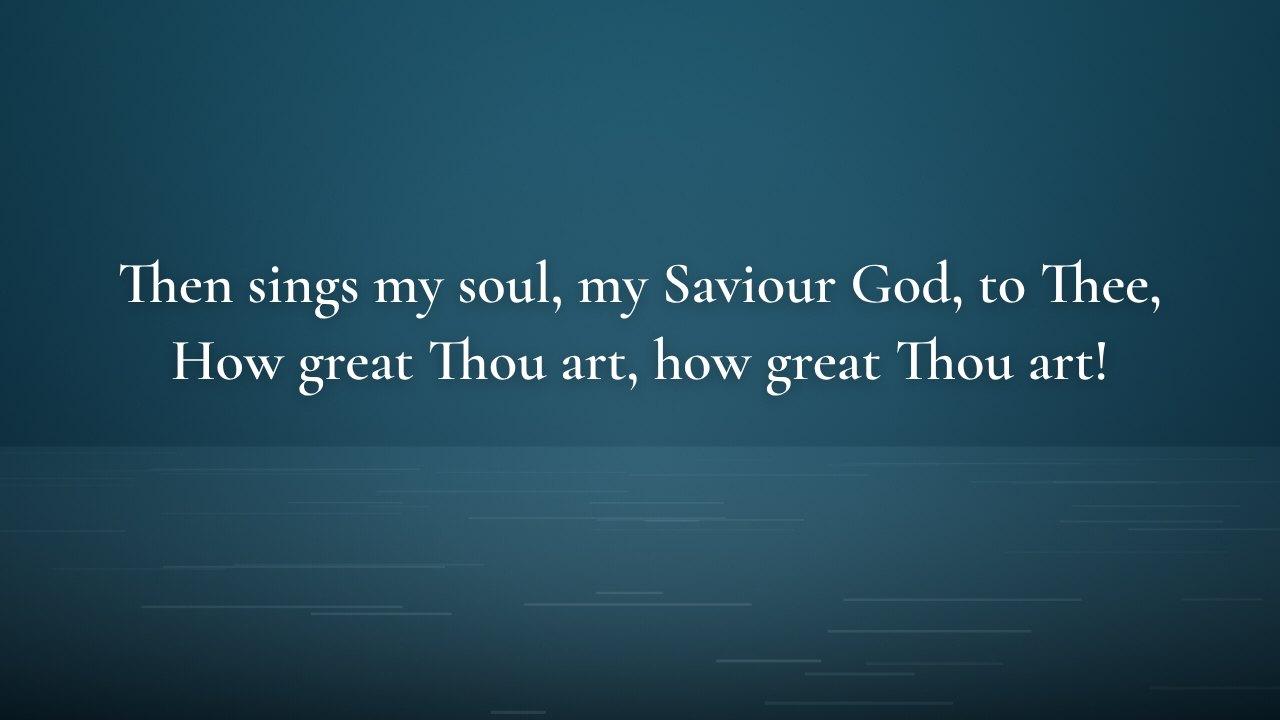
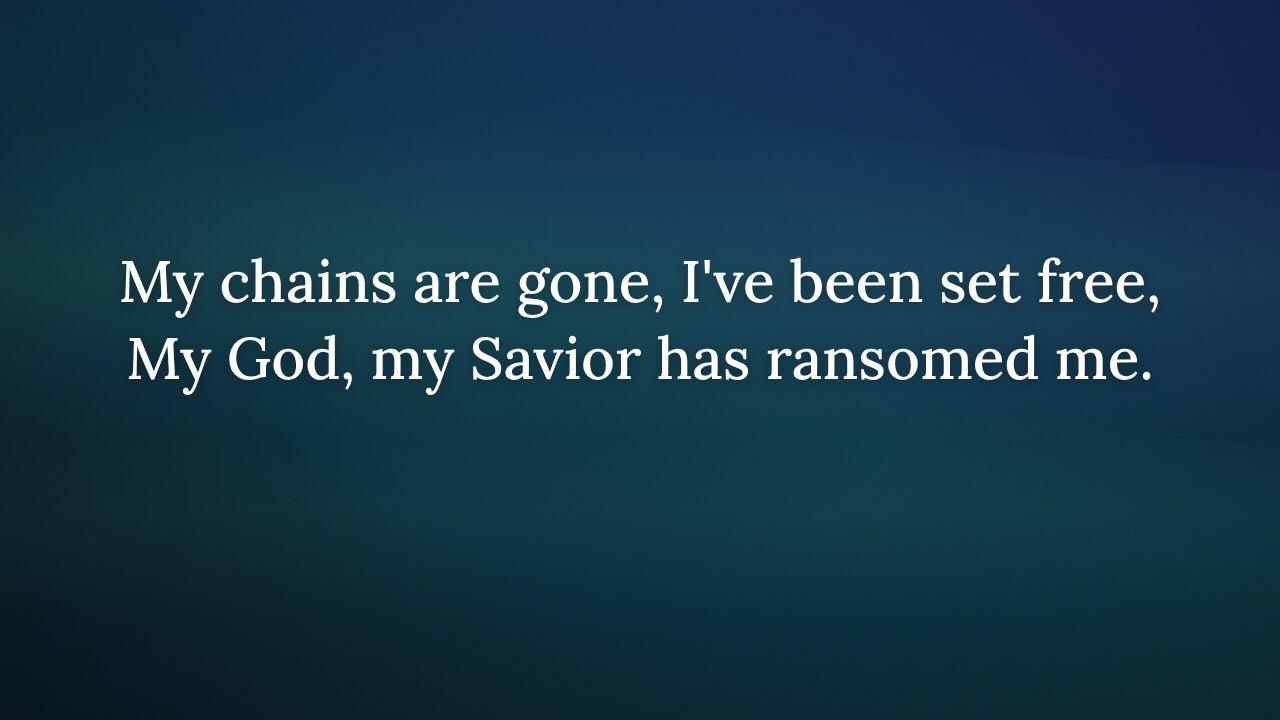
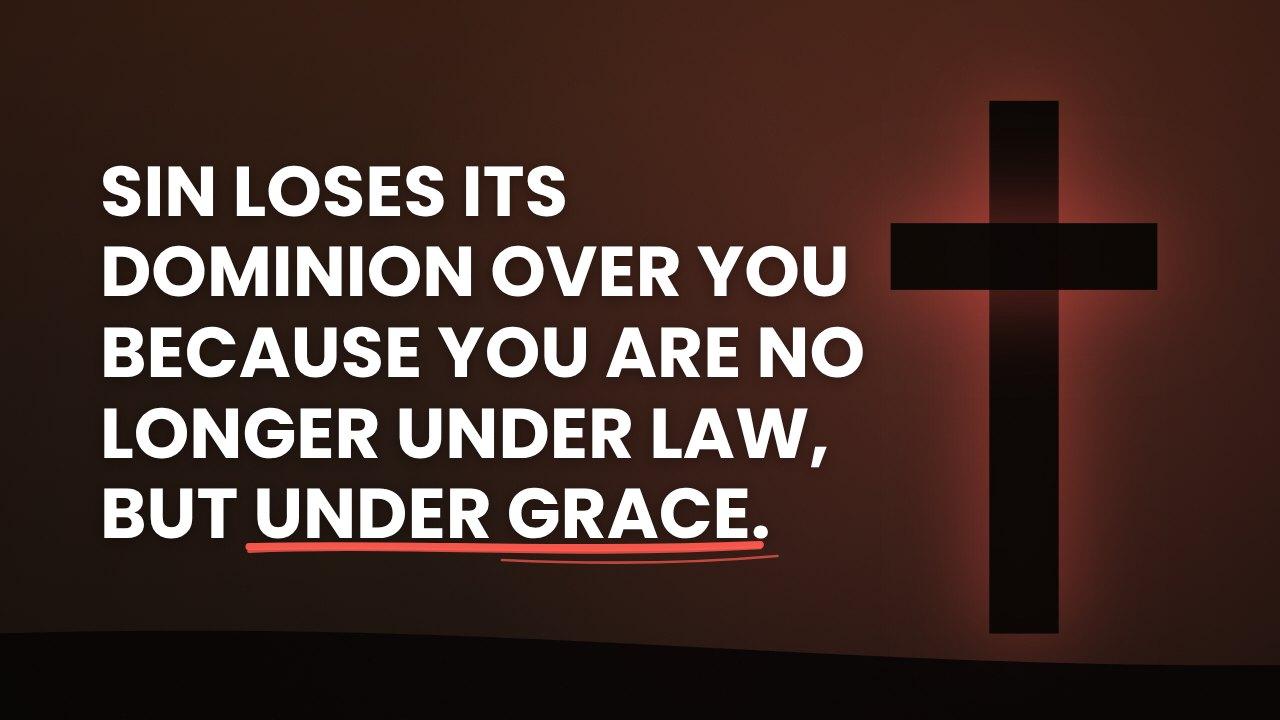
A library of looks, calm or bold. Pick one and the whole service matches.
Free to run a Sunday. Plus when you grow into it.
No contract. Your media team can run the whole console for free, and Plus adds the parts a bigger setup needs.
Free
$0forever
- The whole console: paste text for slides, typed verses, 590 backgrounds with slow motion, alerts, countdown and the speaker timer
- Saved on this computer, no account needed
- The desktop app, and screens plugged into your computer
- Hears the sermon: 30 minutes a month, to try it
Plus
$96a year
Saves $48 against paying monthly
- Everything in Free
- Hears the sermon: 12 hours a month
- A cloud copy of your services and songs, on every computer you use
- Show the screen on another computer or a smart TV, the phone remote, and the speaker timer on other devices
Renews by itself. Cancel any time and keep what you have paid for.
Running several campuses from one library? That plan is coming later.
Desktop app
Sona for your computer
The same console, with the things only an app can do. It opens your live Sona, so every update reaches it without a reinstall.
- Windows names every screen and how it is connected: HDMI, DisplayPort, DVI, VGA or wireless
- Slides and the speaker timer open full screen on the screen you pick, with no extra click
- Plug in or unplug a screen and the list updates at once
Windows 10 or 11, 64-bit. Windows may say it does not recognise the app the first time: choose More info, then Run anyway.
New, fast, and honest about it
Sona is new. Today it uses the King James Version, and your services and songs are saved on your computer and in your account when you sign in. We are building next:
- Songs picked up as they are sung
- Video backgrounds
- Capture cards and NDI
- More Bible versions
- Multi-campus
Questions media teams ask
What is the best free church presentation software?
Sona is built for exactly this. The whole console is free: paste hymns and prayer points to get slides, type any Bible verse, use hundreds of backgrounds, alerts, a countdown and a speaker timer. There is no watermark on your screen and no account needed to start.
Can Sona put up scripture while the pastor reads it?
Yes. Turn on listening and Sona hears the sermon, spots the reference and puts the verse on the screen. The free plan includes 30 minutes a month to try it; Plus gives 12 hours a month.
Does Sona work without internet?
Yes. Open Sona once online on a computer and your slides, songs, verses and the timer keep working when the connection drops. Listening and the cloud copy wait until it is back.
Is Sona an EasyWorship or ProPresenter alternative?
It does the same Sunday job, running songs, scriptures and announcements on the TV or projector, and adds AI that builds slides from a sentence or pasted text. It is free to start, with no watermark.
What do I need to run it?
A laptop or desktop computer and a screen or projector. Open the screen window, drag it onto the TV and press F. You can also install the desktop app.
Can my phone control the slides?
Yes. On Plus, your phone becomes a remote, and the screen and the speaker timer can run on other computers or smart TVs.
Run one Sunday with Sona
Open the console and try it with your own hymn or announcement. Tell us what your media team needs next.
Open Sona